Boards & Systems
Raspberry Pi 4 Model B 8GB
The flagship single-board computer for serious robotics. With 8GB of RAM, quad-core processing, and dual-display output, the Pi 4 runs ROS navigation stacks, real-time computer vision, and machine learning inference without breaking a sweat. Build autonomous rovers, vision-guided arms, or multi-sensor research platforms.
- Memory 8GB LPDDR4
- CPU Quad-core Cortex-A72
- USB Ports 2× USB 3.0, 2× USB 2.0
- Video Dual 4K display
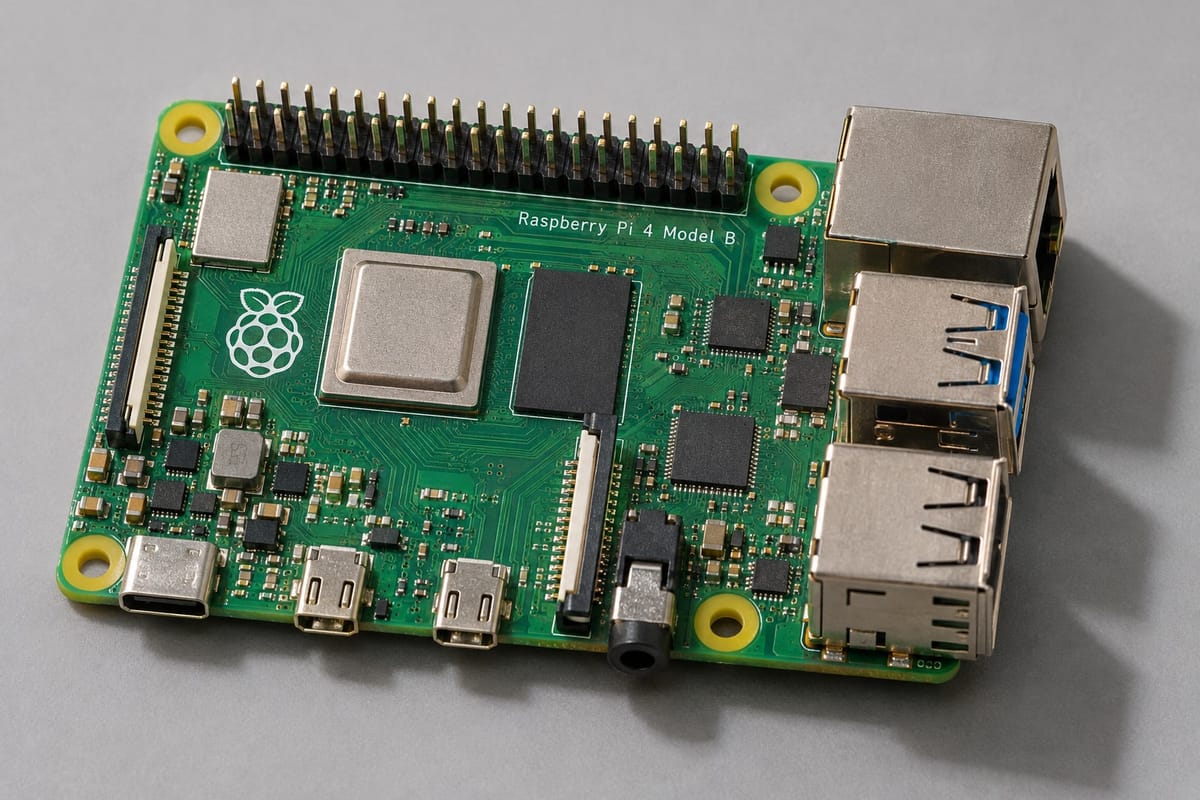
Why 8GB matters for robotics
Technical specifications
Compute
- Processor
- Broadcom BCM2711, quad-core Cortex-A72 (ARM v8) 64-bit SoC @ 1.5GHz
- Memory
- 8GB LPDDR4-3200 SDRAM
- Storage
- MicroSD card slot (not included)
Connectivity
- USB
- 2× USB 3.0, 2× USB 2.0
- Network
- Gigabit Ethernet, dual-band 802.11ac Wi-Fi, Bluetooth 5.0
- GPIO
- Standard 40-pin header
Video & Audio
- Display
- 2× micro-HDMI ports (up to 4Kp60 supported)
- Camera
- MIPI CSI camera connector
- Audio
- 3.5mm jack (composite video and audio)
Power & Dimensions
- Power input
- USB-C, 5V DC, 3A recommended
- Dimensions
- 85mm × 56mm × 17mm
- Operating temperature
- 0–50°C (throttles at high ambient temps without cooling)
What you can build
Mount the Pi 4 on a wheeled or tracked chassis, connect a motor driver, ultrasonic sensors, and a camera module. Run ROS or a custom Python navigation stack to map rooms, avoid obstacles, and follow waypoints. The 8GB RAM lets you log sensor data, stream video to a laptop, and run SLAM algorithms at the same time.
- Raspberry Pi Camera Module v2 or USB webcam
- IMU (accelerometer + gyroscope) for heading estimation
- GPS module for outdoor navigation
- LiDAR or depth camera for advanced mapping
Use the Pi 4 to process camera input, run OpenCV edge detection or color tracking, and send servo commands in real time. Perfect for pick-and-place tasks, drawing robots, or 3D object scanning. The dual USB 3.0 ports handle a webcam and a USB servo controller without bandwidth contention.
- Multi-axis robotic arm kit (4–6 DOF)
- Servo motor pack for joints
- USB camera or Pi Camera for vision feedback
- Calibration grid for coordinate mapping
Deploy pre-trained models with TensorFlow Lite, PyTorch Mobile, or ONNX Runtime. The 8GB RAM accommodates model weights and input buffers, enabling real-time classification, object detection, or pose estimation. Pair with a camera and run face recognition, gesture control, or quality inspection pipelines.
- Camera module or USB webcam (720p minimum)
- Heatsink or active cooling fan for sustained inference
- MicroSD card (32GB or larger, Class 10 or better)
- Optional: Coral USB Accelerator for edge TPU acceleration
Pi 4 vs microcontroller boards
The Raspberry Pi is a full Linux computer; Arduino and similar MCUs are real-time embedded controllers. Each excels at different tasks.
| Arduino / ESP32 | Raspberry Pi 4 8GB | |
|---|---|---|
| Operating system | None (bare-metal firmware) | Linux (Raspberry Pi OS, Ubuntu) |
| Programming | C/C++ (Arduino IDE) | Python, C++, Java, Node.js, any Linux-compatible language |
| Boot time | < 1 second | 20–40 seconds |
| Real-time guarantees | Yes (deterministic loop timing) | No (Linux scheduler introduces jitter) |
| Camera & video | No (external serial camera required) | Native USB & MIPI CSI support, HDMI output |
| Machine learning | Tiny models only (TensorFlow Lite Micro) | Full frameworks (TensorFlow, PyTorch, ONNX) |
| Multi-tasking | Single loop (cooperative) | True parallel processes and threads |
| Best for | Motor control, sensor I/O, low-latency actuators | Computer vision, AI, ROS, data logging, web dashboards |
Many advanced robots use both: an Arduino for real-time motor control and a Pi for high-level decision-making and vision.
Common questions
What's included with the board?
The Raspberry Pi 4 Model B board only. You'll need to supply a USB-C power adapter (3A recommended), a microSD card with an operating system, and any peripherals (keyboard, monitor, cables). Check our starter kit for a complete bundle.
Can I power the Pi 4 from a battery pack?
Yes. Use a USB-C smart charger or a battery pack with a 5V/3A output. The Pi 4 draws 600mA idle and up to 3A under full load with peripherals attached. Plan capacity accordingly for mobile robots.
Do I need a heatsink or fan?
The Pi 4 runs warm. Without cooling, the CPU will throttle under sustained load (compiling code, running ML inference). A passive heatsink helps; an active fan keeps it under 60°C even during heavy processing.
What operating systems are supported?
Raspberry Pi OS (Debian-based, recommended for beginners), Ubuntu Desktop/Server, Arch Linux ARM, and many others. Most robotics tutorials assume Raspberry Pi OS or Ubuntu.
Is the 8GB model worth it over the 4GB?
For simple GPIO control and basic Python scripts, 4GB is enough. For computer vision, ROS, running a desktop environment while your code executes, or multiple Docker containers, 8GB removes memory as a bottleneck. If your project involves cameras or neural networks, choose 8GB.
Pair it with
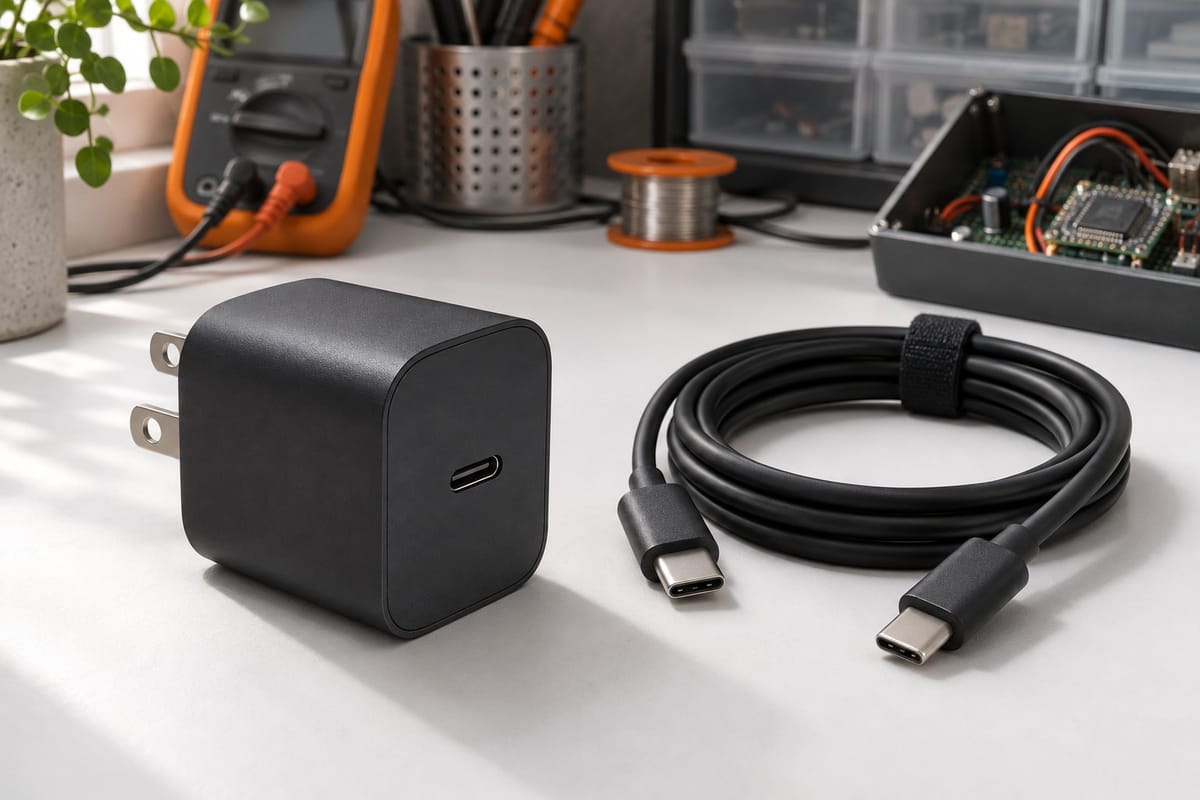
USB-C Smart Charger 3A
Fast, safe charging for Raspberry Pi 4 and rechargeable battery packs. Built-in voltage regulation and overcharge protection keep your projects powered without risk.
Read more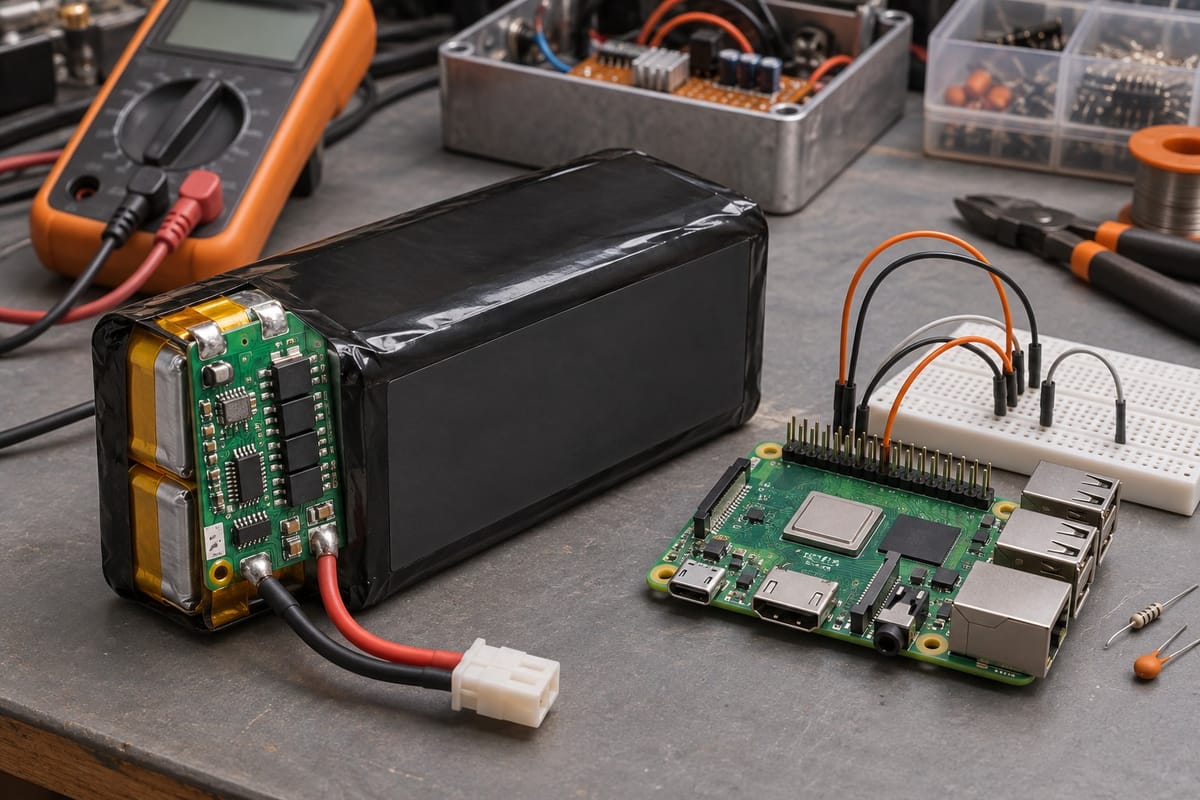
3000mAh Li-Ion Battery Pack
Rechargeable 7.4V Li-ion pack with 3000mAh capacity and built-in protection circuit. Designed for Raspberry Pi robots, motor controllers, and portable electronics projects.
Read more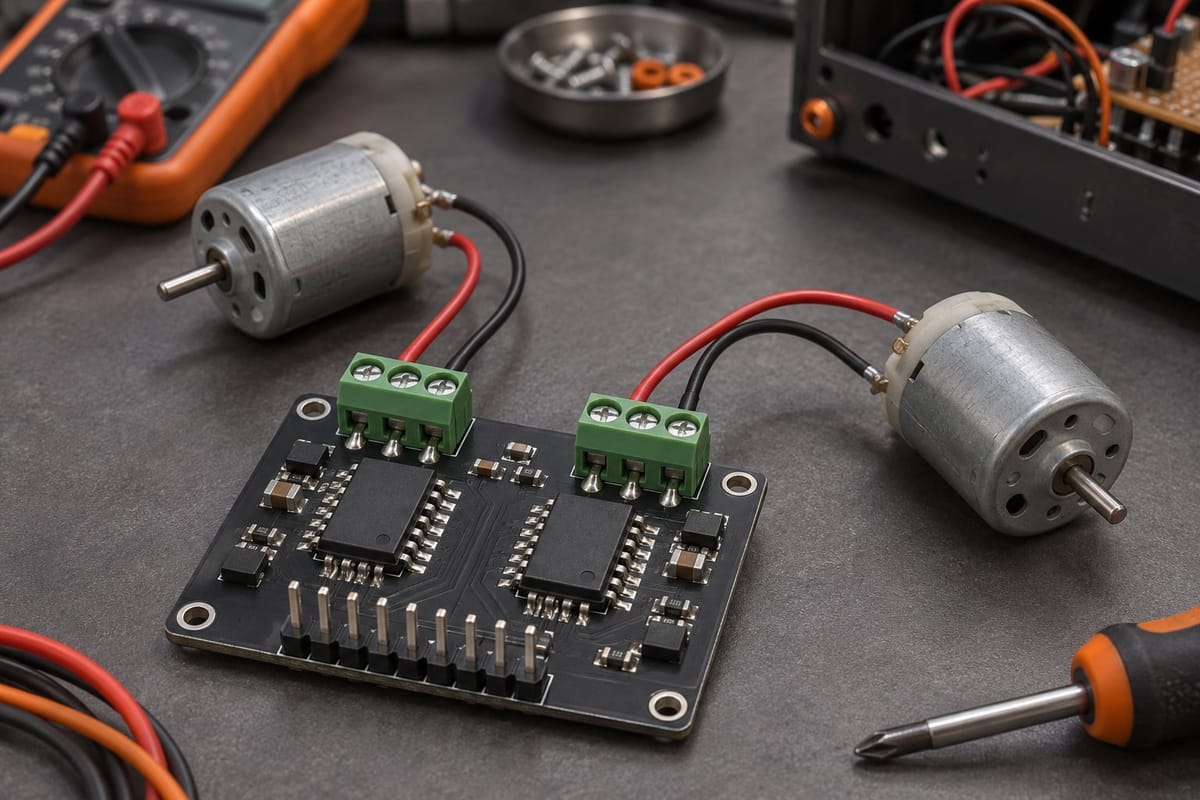
Dual H-Bridge Motor Driver
Drive two DC motors independently with PWM speed control up to 2A per channel. Works seamlessly with Raspberry Pi and Arduino projects, ideal for wheeled robots and automated mechanisms.
Read more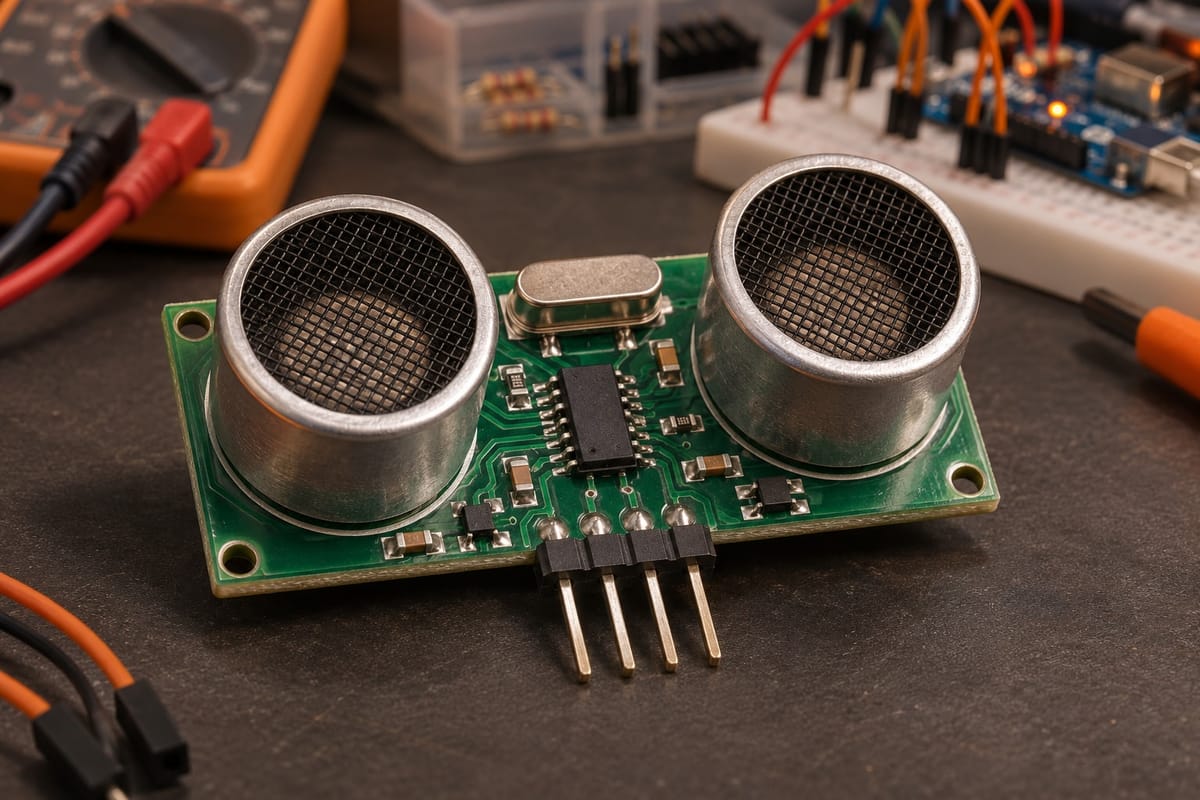
Ultrasonic Distance Sensor HC-SR04
Ultrasonic distance sensor with 4-meter range. Easy GPIO wiring, accurate obstacle detection, and universal microcontroller compatibility for robotics projects.
Read more
Ready to build your next robot?
Check availability, ask about bulk pricing for classrooms, or get advice on which components to pair with your Pi 4.