Power & Charging
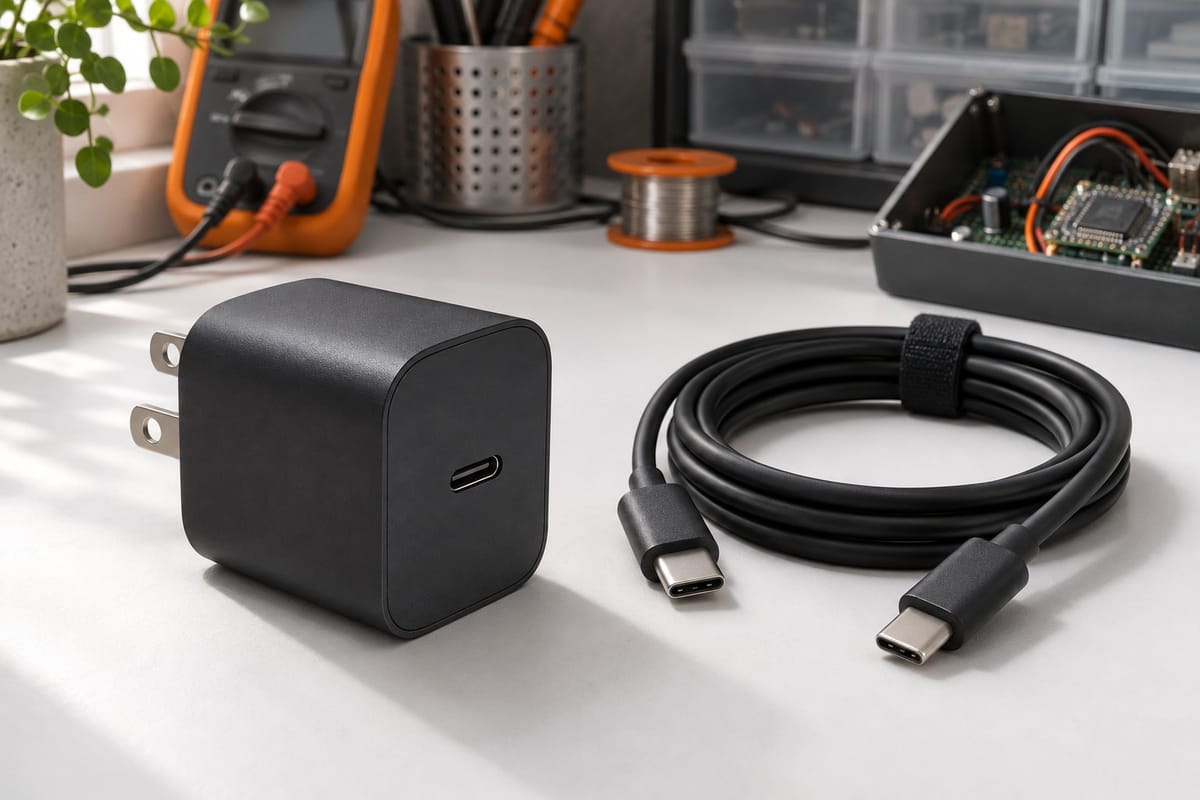
USB-C Smart Charger 3A
Fast, regulated charging for Raspberry Pi 4 and battery packs. Automatic voltage adjustment and overcharge protection built in, so your projects stay powered safely.
- Output 3A max
- Connector USB-C
- Protection Overcharge, voltage regulation
Why this charger works for makers
Technical specifications
- Connector type
- USB-C
- Maximum output current
- 3A
- Voltage regulation
- Automatic
- Protection features
- Overcharge, short-circuit, overheat
- Compatible devices
- Raspberry Pi 4, USB-C battery packs, mobile electronics
- Cable length
- Standard AC to USB-C output
Common use cases
Powering Pi 4 during development
The Raspberry Pi 4 draws more current than earlier models, especially when you connect peripherals like motors, cameras, or external drives. A 3A charger ensures the board doesn't throttle under load, preventing unexpected shutdowns during long builds or compute-intensive tasks like object detection.
Use this charger at your workbench for stable power during prototyping and testing. The automatic voltage regulation adapts to the Pi's power draw, so you don't need to monitor current levels manually.
Charging Li-ion and NiMH packs
Rechargeable battery packs for mobile robots need careful charging to avoid overheating or capacity loss. This charger's overcharge protection cuts off automatically when the pack is full, making it safe to leave connected overnight.
Works with standard USB-C battery management boards found in most maker-grade Li-ion packs. Check your battery pack specs to confirm charging voltage and current before connecting.
Quick recharging during project demos
When you're testing a mobile robot in the field or at a competition, fast charging means less downtime between runs. A 3A charger can top up a 3000mAh pack in under two hours, getting you back to testing faster than a standard 1A phone charger.
Compact enough to carry in a project toolbox alongside spare jumper wires and sensors.
Common questions
Can I use this charger with Raspberry Pi 3 or earlier models?
Yes, but earlier Pi models use micro-USB, not USB-C. You would need a USB-C to micro-USB adapter. Since Pi 3 draws less current (2.5A max), the charger will automatically regulate down to the appropriate level.
Will this charger work with my phone or tablet?
It will charge any USB-C device, but it doesn't support fast-charging protocols like Power Delivery or Quick Charge. Your phone will charge at standard USB rates, which may be slower than its original charger.
How do I know when my battery pack is fully charged?
Most battery packs with USB-C input have an LED indicator that changes color or turns off when charging is complete. The charger itself will stop supplying current once the pack's internal management board signals full capacity.
Is it safe to leave the charger plugged in all the time?
The overcharge protection prevents continuous charging after the battery is full, but it's still good practice to unplug when not actively charging to extend the charger's lifespan and reduce idle power draw.
What should I do if the charger gets warm during use?
Some warmth is normal during fast charging. If it becomes uncomfortably hot to touch or smells unusual, unplug it immediately and contact support. Make sure the charger has ventilation and isn't covered by fabric or other materials.
Pair with these components
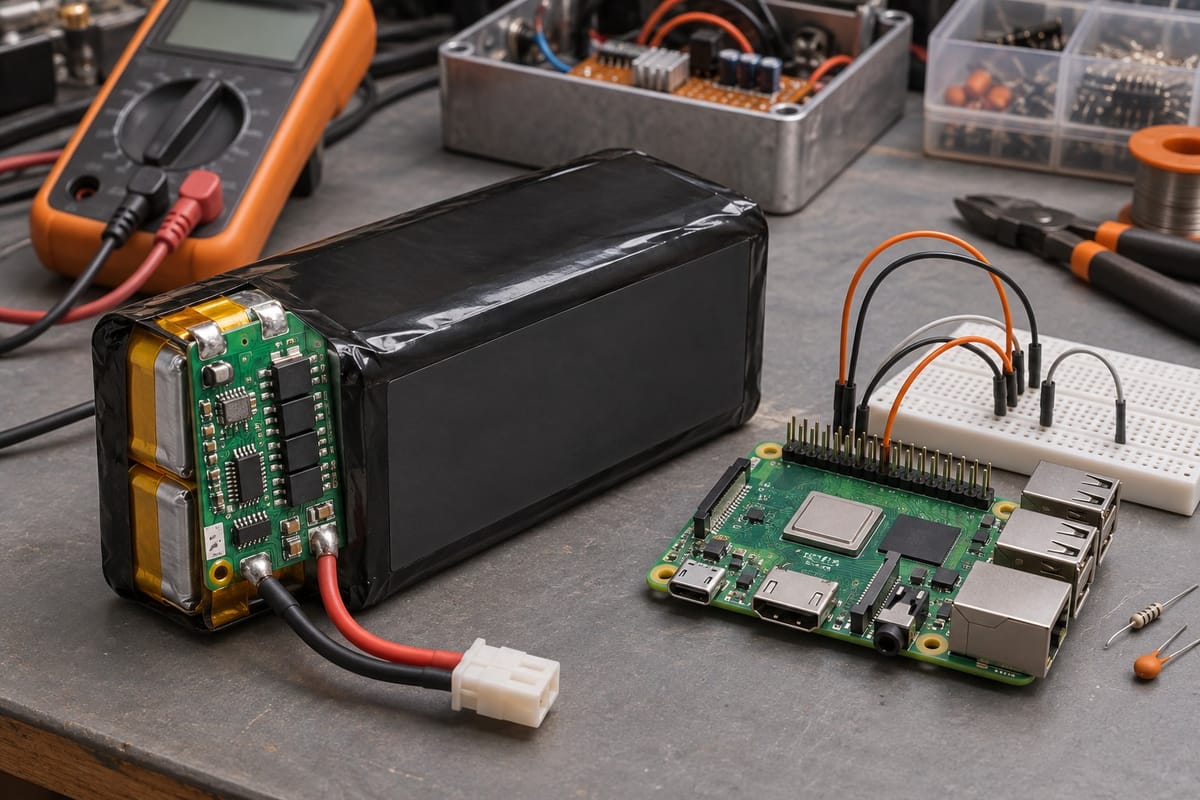
3000mAh Li-Ion Battery Pack
Rechargeable 7.4V Li-ion pack with 3000mAh capacity and built-in protection circuit. Designed for Raspberry Pi robots, motor controllers, and portable electronics projects.
Read more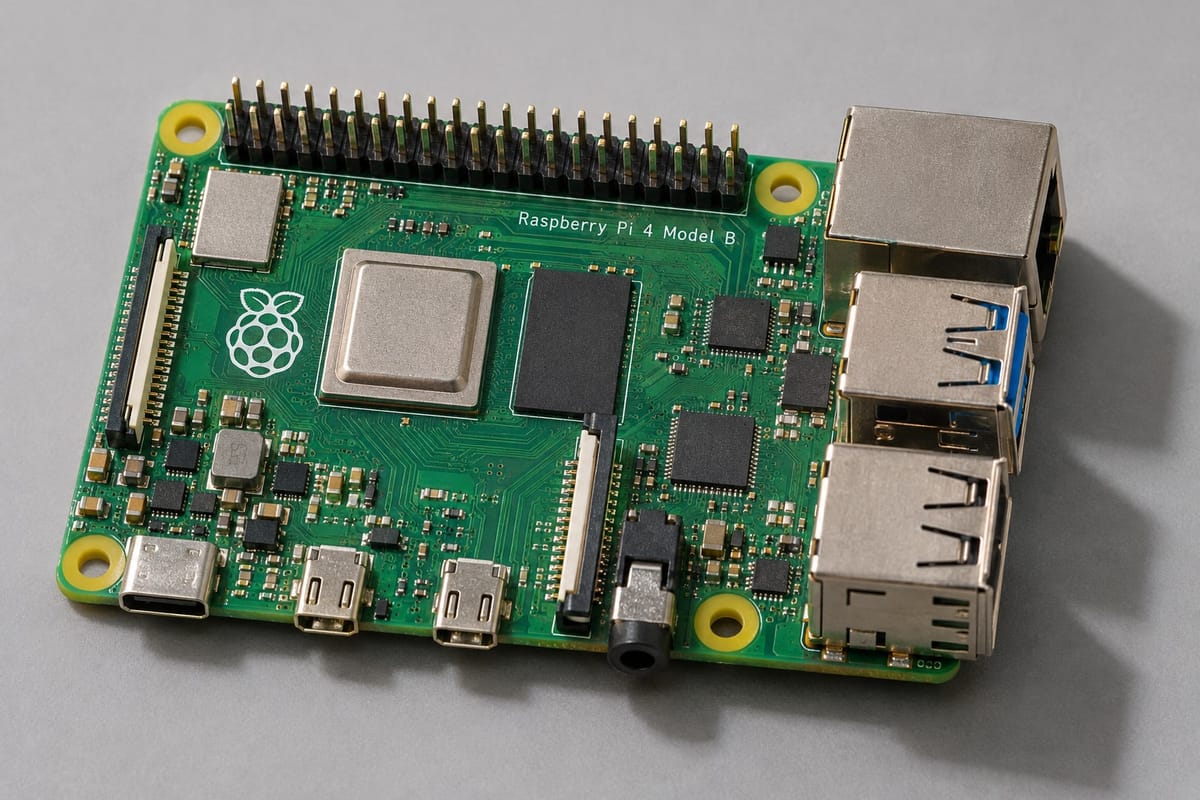
Raspberry Pi 4 Model B 8GB
The most capable Raspberry Pi board yet. 8GB RAM handles computer vision pipelines, neural network inference, and simultaneous sensor streams—ideal for advanced robotics and AI projects.
Read more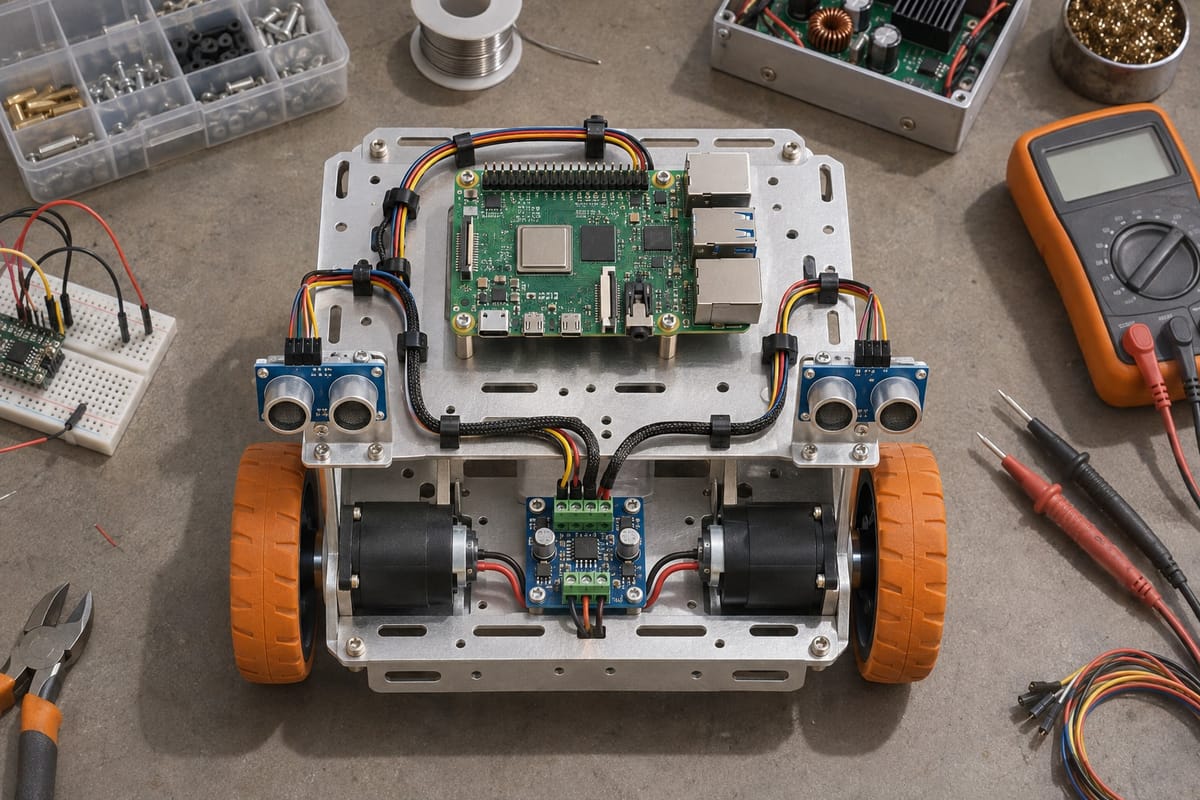
Raspberry Pi Robot Starter Kit
Complete kit with Raspberry Pi 4, dual motor driver, ultrasonic sensors, and aluminum chassis. Everything you need to build and program your first autonomous robot.
Read more